This guide is for the person actually walking the site. It covers the capture habits that matter in the field, what happens back at the desk, and how the finished report gets to the client. The difference shows up fast: every photo and video is organized and easy to access across all devices, and writing the final report in your professional template takes minutes not hours.
The core idea behind all of it: on site you gather evidence, at the desk you shape it. Tenera Reports builds the first draft from what you capture, so your job in the field is coverage, not composition. If your side of the job is the desk half, the Tenera desk guide is the mirror of this one.
Start on your phone, on site
Open Tenera on your phone at editor.tenerapro.com and tap + New report. That's the whole setup: you're now on the capture screen, with three buttons across the bottom and a live evidence feed above them.
- Photos/Videos (the camera button) opens your camera to film video or take photos.
- Voice (the microphone button) records a voice note.
- Text note (the pencil button) opens the keyboard for a typed note.
Everything you capture with these three buttons is timestamped, attributed, and processed as it lands in the feed.
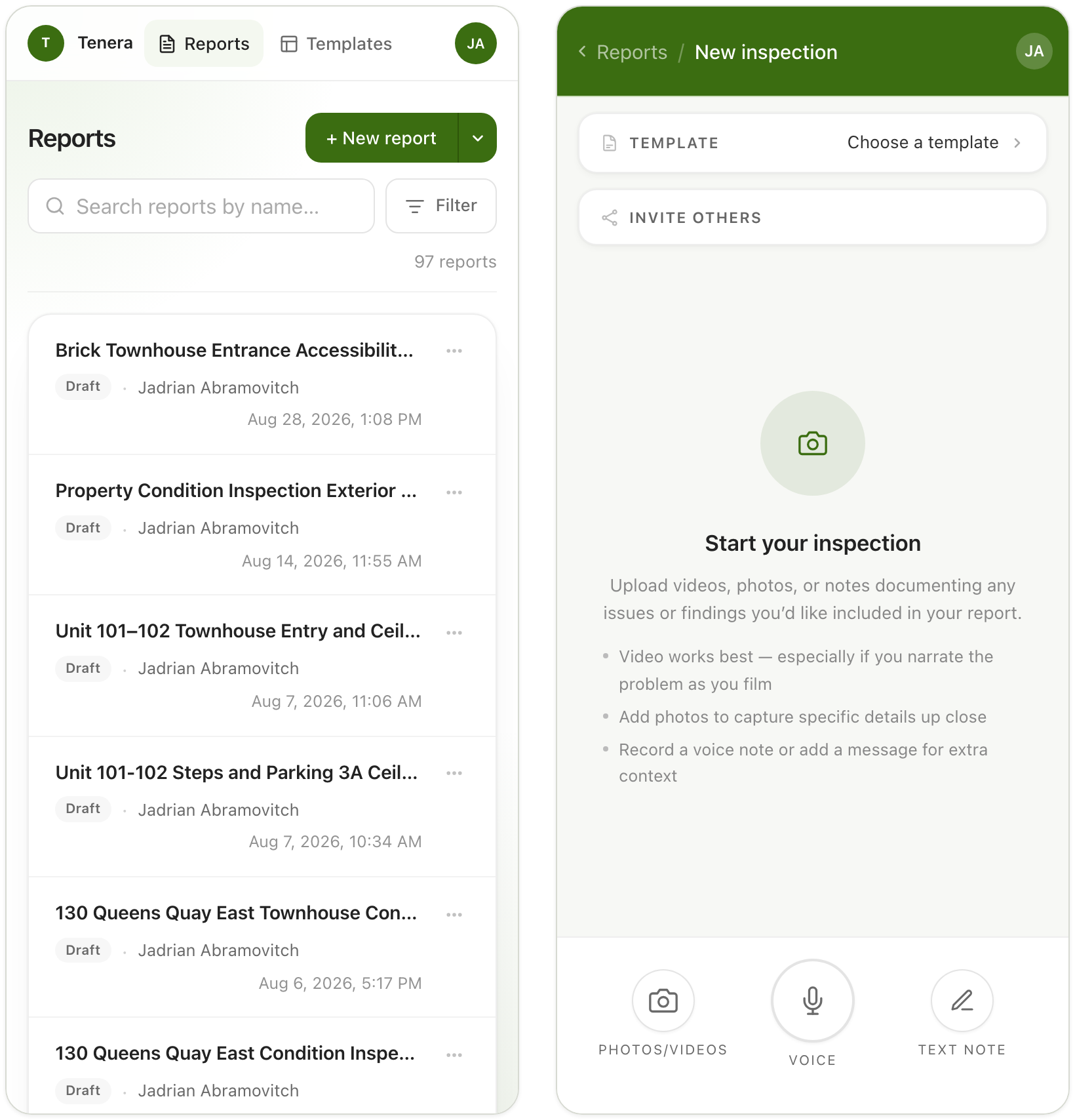
If more than one person is walking the site, tap the Invite others card at the top of the capture screen, just under the template picker. Teammates get the same capture screen on their own phones, and their photos, videos, and notes flow into the same evidence feed, labeled by contributor. The whole visit ends up in one place, instead of scattered across three phones you have to collect from afterwards.
Capture, don't compose
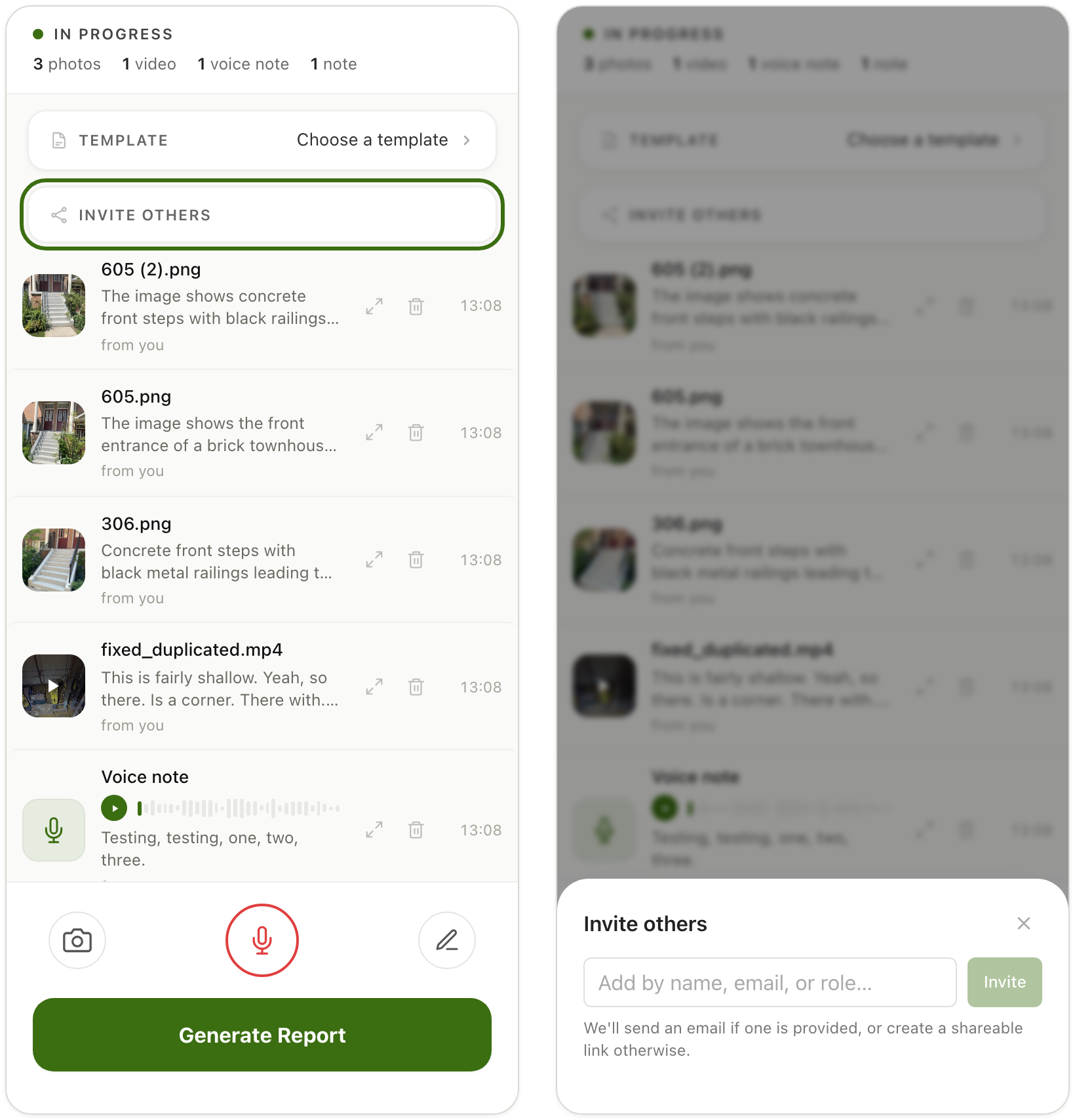
As you work, the feed fills with your evidence, and every item is processed on arrival: photos get AI-generated descriptions, video and voice get transcribed.
A few habits separate a capture session that produces a strong draft from one that produces homework:
Lead with video, and narrate while you film. Tap Photos/Videos and record a slow pan of the deficiency while you describe what you see out loud ("hairline crack running the full width of the landing, roughly two millimetres at the widest point"). This is the richest evidence you can capture: Tenera transcribes the narration and pairs it with the footage, so the observation arrives in the draft already written in your words.
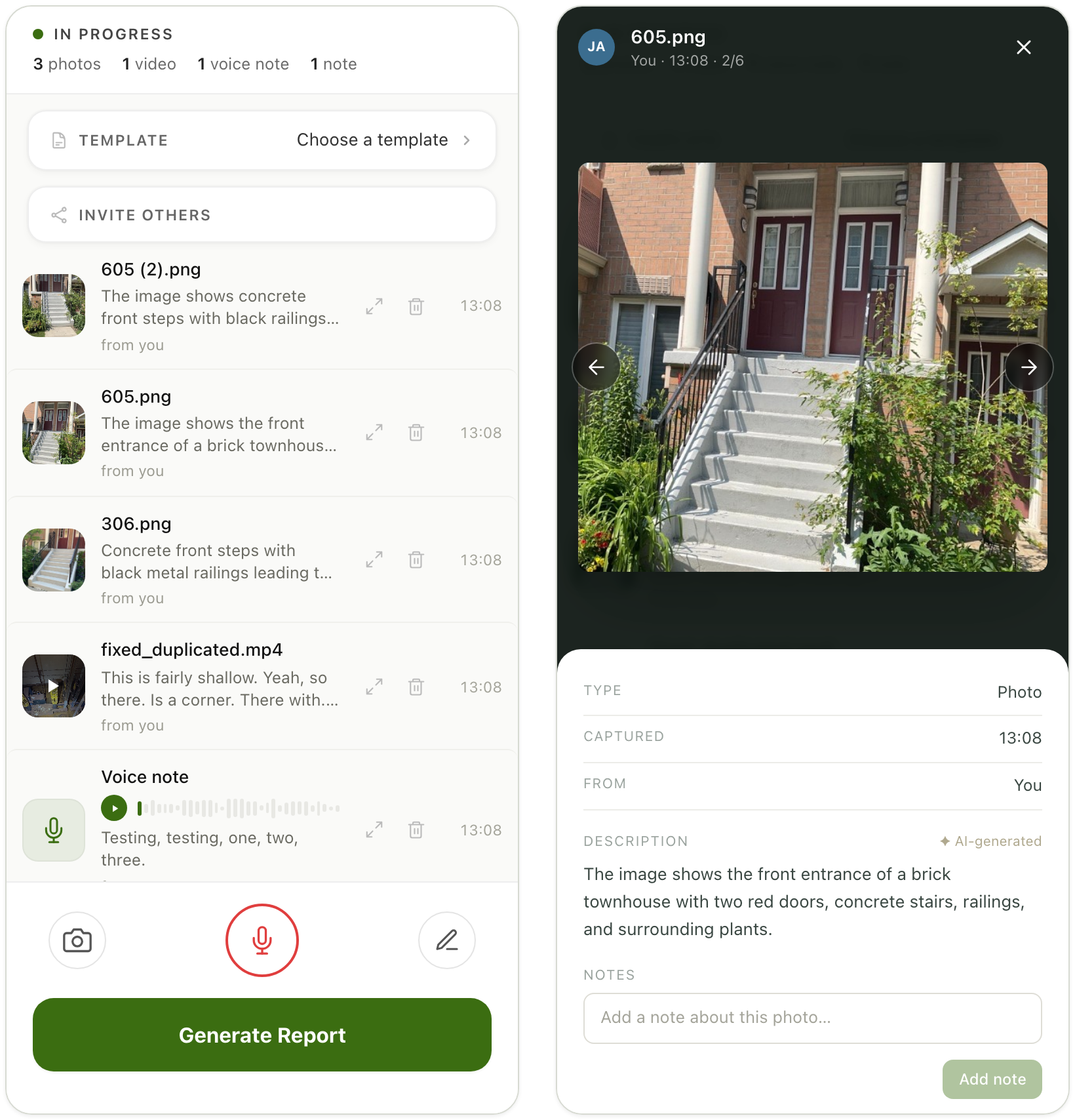
Use photos for close-up detail. The same Photos/Videos button takes stills. Wide shots establish location; close-ups document condition. Each photo gets an AI-generated description as it lands in the feed. Tap the photo in the feed to check its description while you are still standing in front of the subject.
Talk instead of typing. For any observation longer than a few words, tap Voice and say it. The transcription lands in the feed as evidence just like a typed note, and speaking is usually much faster than the keyboard.
Tie notes to their evidence. When a note is about a specific photo or video, connect the two explicitly. Two ways to do it: mention the item by name in your note ("the spalling in 306.png"), which associates them strongly, or tap the item in the feed and type into its Notes field ("unit 102, second riser from bottom"), which guarantees the note and the image travel together into the report.
Start the report before you leave the parking lot
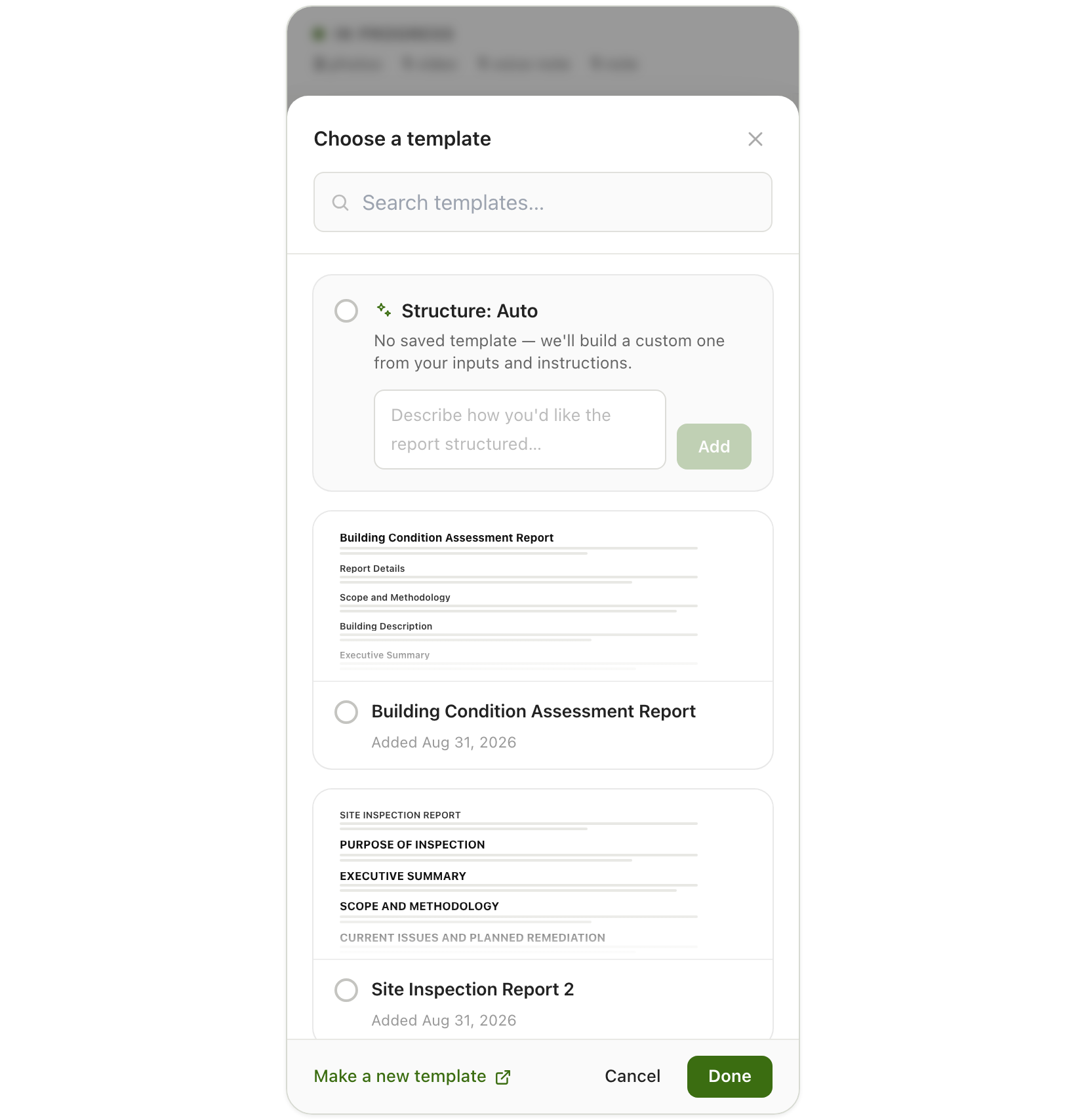
If the capture is done, don't wait until you're back at the office. Tap the Template card at the top of the capture screen, pick the template that fits the visit (or select Structure: Auto and describe the structure you want), tap Done, then tap the green Generate Report button at the bottom of the screen.
Once generation starts, you're free to go: it runs on our servers, so you can close the page, pocket the phone, and lose signal in the parkade without interrupting anything. The draft is waiting in the editor by the time you sit down at your desk.
Back at the desk: review, don't write
Open the report and the draft is there: observations written from your narration and notes, photos placed with the findings they support, structured by the template you chose.
The draft will also tell you what it doesn't know. Click Start interview on the prompt that appears over the document, and the AI interview asks you targeted questions to fill gaps and clarify details, which is much faster than rereading the document hunting for thin spots.
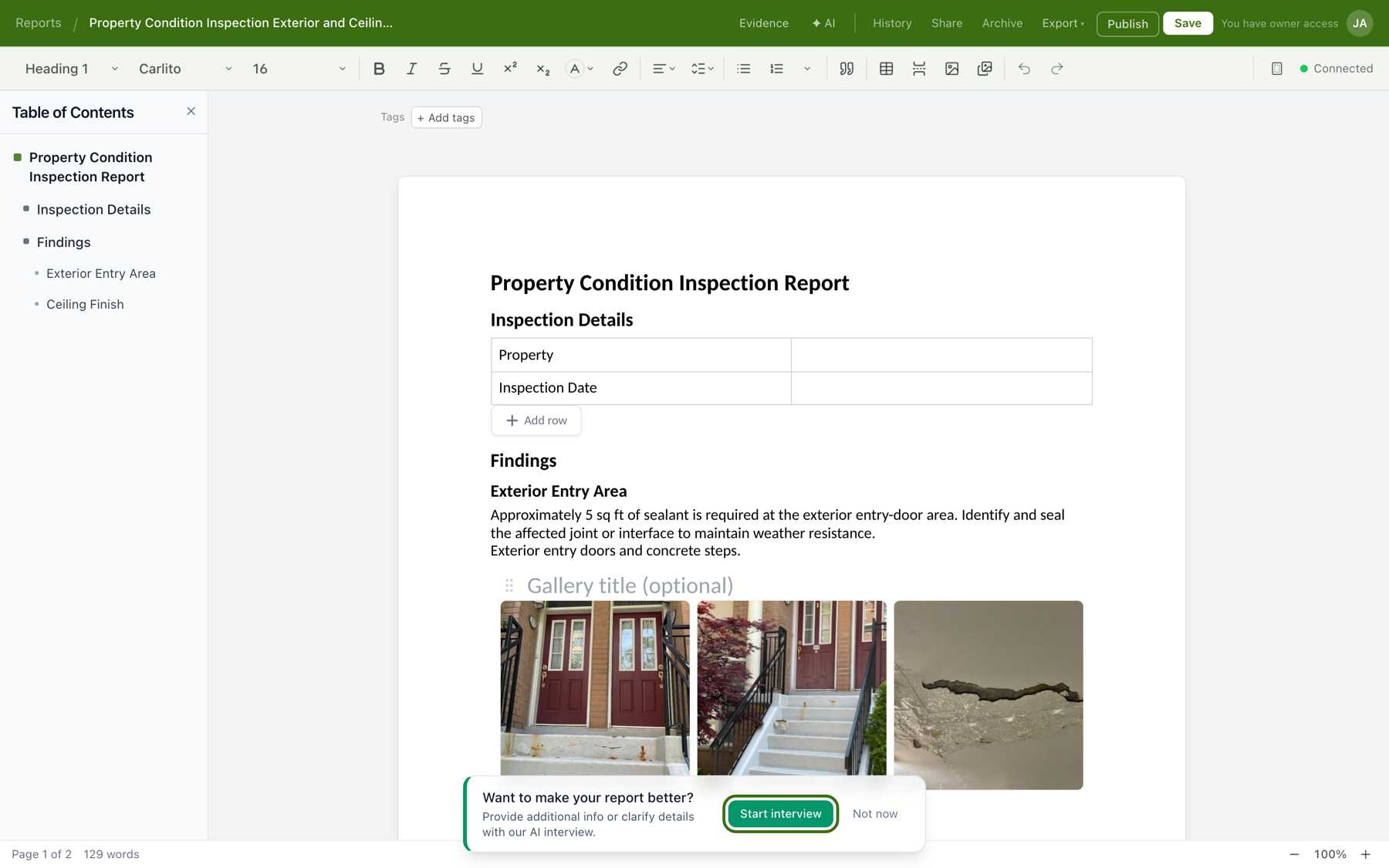
The interview opens beside the document and asks one question at a time, starting with the biggest gaps it found ("What is the property name or full address?"). Type an answer and hit Send, or Skip anything that doesn't apply, and end the interview whenever you've given it enough.
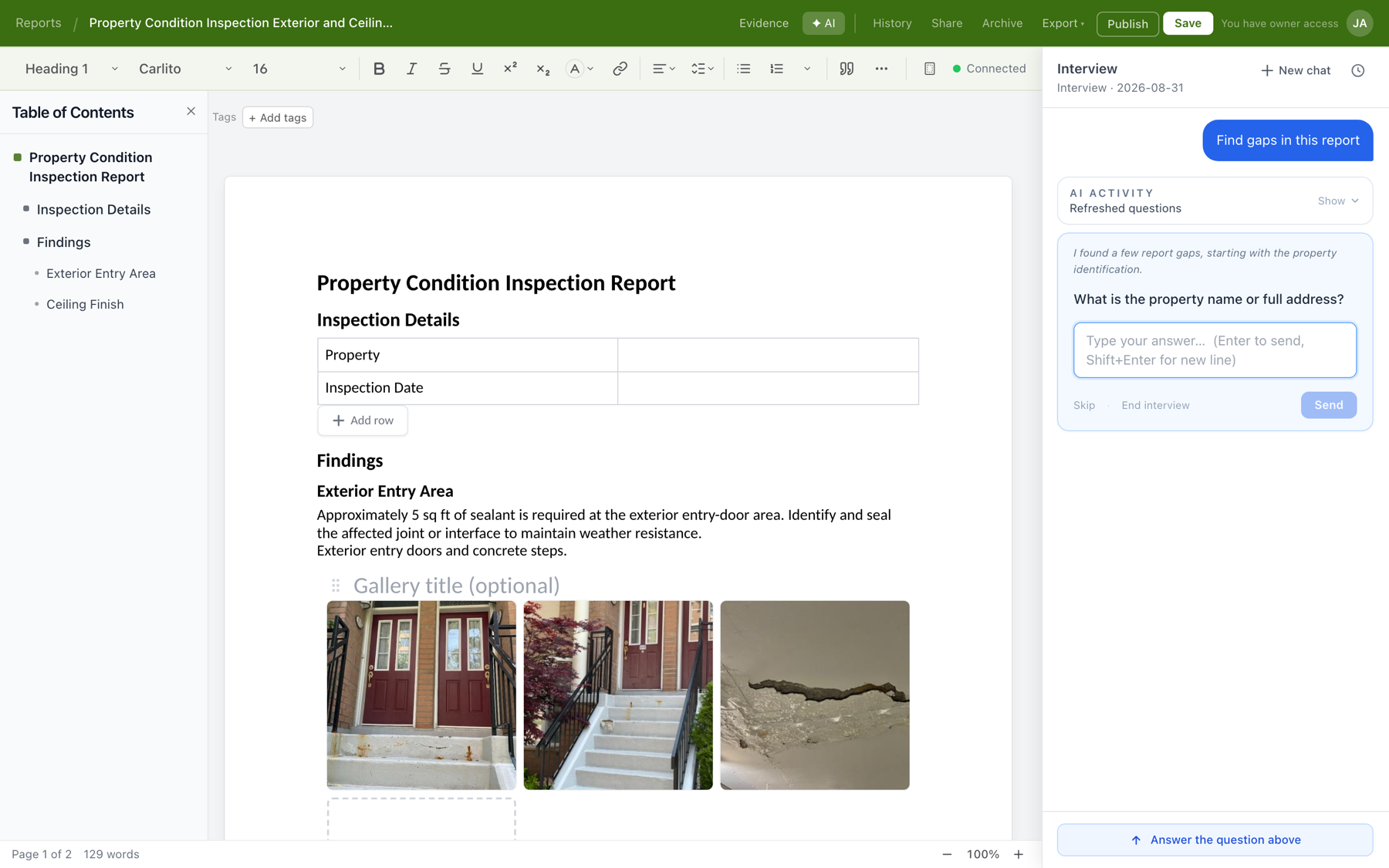
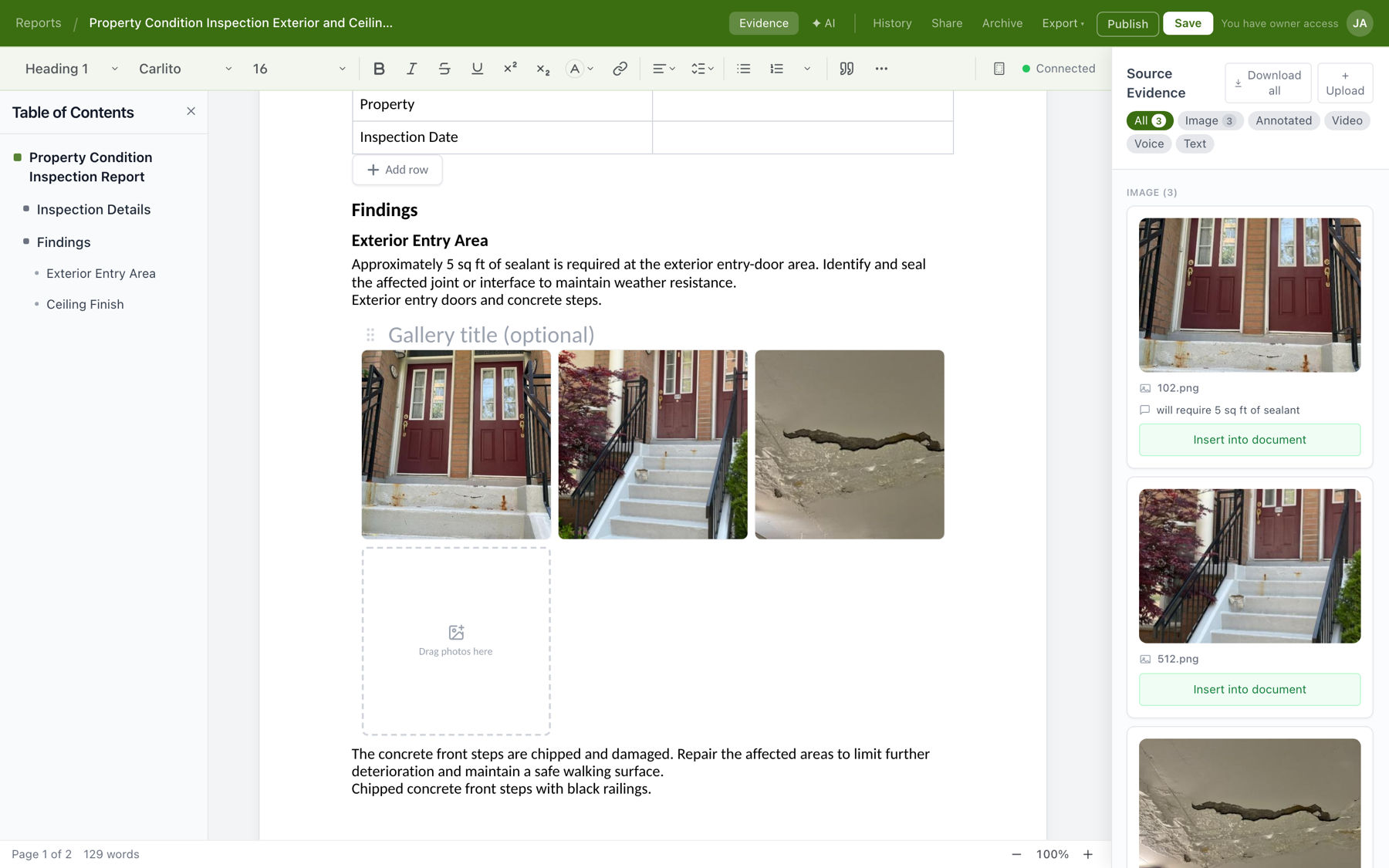
From there it's a review pass, not a writing session: check the findings against your memory of the site, tighten the language where it matters, and fill in the project details. And if the draft skipped a photo you want shown, everything captured on site stays one click away in the editor's Evidence panel, ready to insert into the document.
Deliver it
The finished report leaves Tenera two ways, and both live in the editor's top bar.
Publish a web link
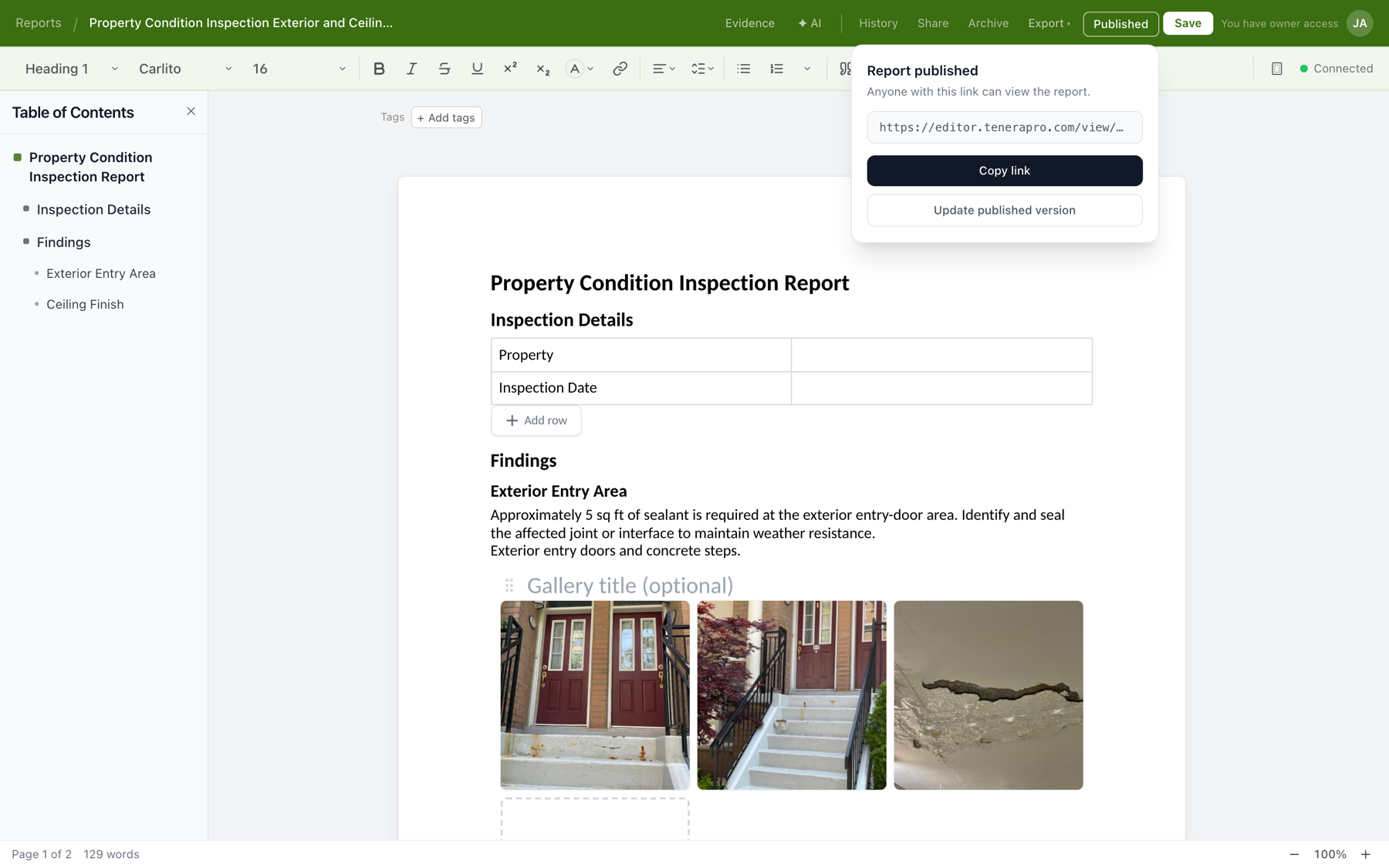
Click Publish. Tenera creates a polished read-only version of the report at its own web link, and the confirmation shows the link with a Copy link button, ready to paste into an email or text to your client. The published page is a snapshot, so the client always sees the finished version even while you keep working on the document. After an edit, click Update published version and the same link shows the new version.
Export to Word or PDF
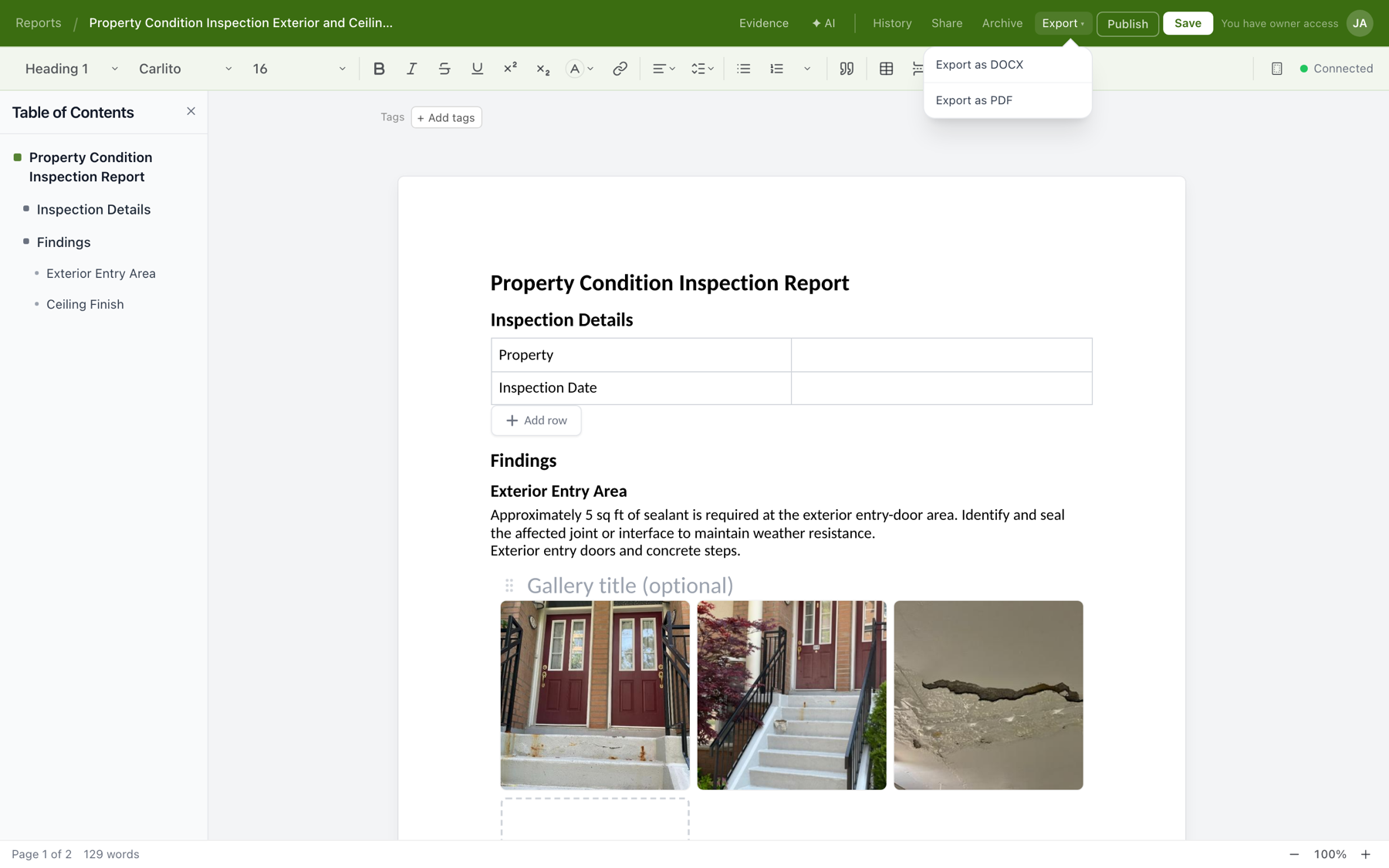
If your deliverable process requires a file, open the Export menu and choose Export as DOCX or Export as PDF. The Word export is a normal editable document, so a firm that finalizes reports on letterhead or routes them through document control can keep that process unchanged.
The field habits that pay off over time
The steps above are the workflow. These habits are about spending your visit well while you follow it:
- Record voice notes between areas. The walk from the parking garage to the roof is time you already have. A twenty-second voice note summarizing what you just saw and what you want to check next is transcribed and kept with the rest of the evidence.
- Capture your limitations the moment they happen. Locked room, no roof access, tenant declined entry: record it as a note on the spot. A report that states what was not reviewed and why protects everyone, and you will not reconstruct those details reliably a week later.
- Do a coverage check before you drive away. Leaving the site is the cheapest moment to catch a gap. Scan the feed against the sections your report will need: if a section has nothing behind it, capture it now instead of scheduling a return trip.
- Treat the generated draft as a review task. Answer the AI interview instead of hunting for gaps yourself, and spend your judgment on the findings rather than the formatting.
If your team isn't on Tenera yet
Everything above assumes your crew has Tenera Reports in hand. If you're still assembling site visits from a camera roll, a notes app, and a Word template, the workflow in this guide is the difference we built the product to make. Book a demo of Tenera Reports and we'll run a capture session on one of your real projects.