From videos, images, and voice notes to a report in minutes
Capture the site on your phone — video, photos, voice notes. No special app. Nothing to rename or sort.
Record videos and images like you normally would
- Your phone's cameraA quick video walkthrough and a few photos — shot in your normal camera app.
- Narrate what mattersCall out the important details out loud. Tenera records your narration and understands your observations.
- Upload to TeneraShare it quickly and easily without installing an app.
Capture on site
Record video, snap photos, and talk through what you see.
Use the phone already in your pocket — your normal camera and voice memos. No special app to capture, and nothing to rename, sort, or file.
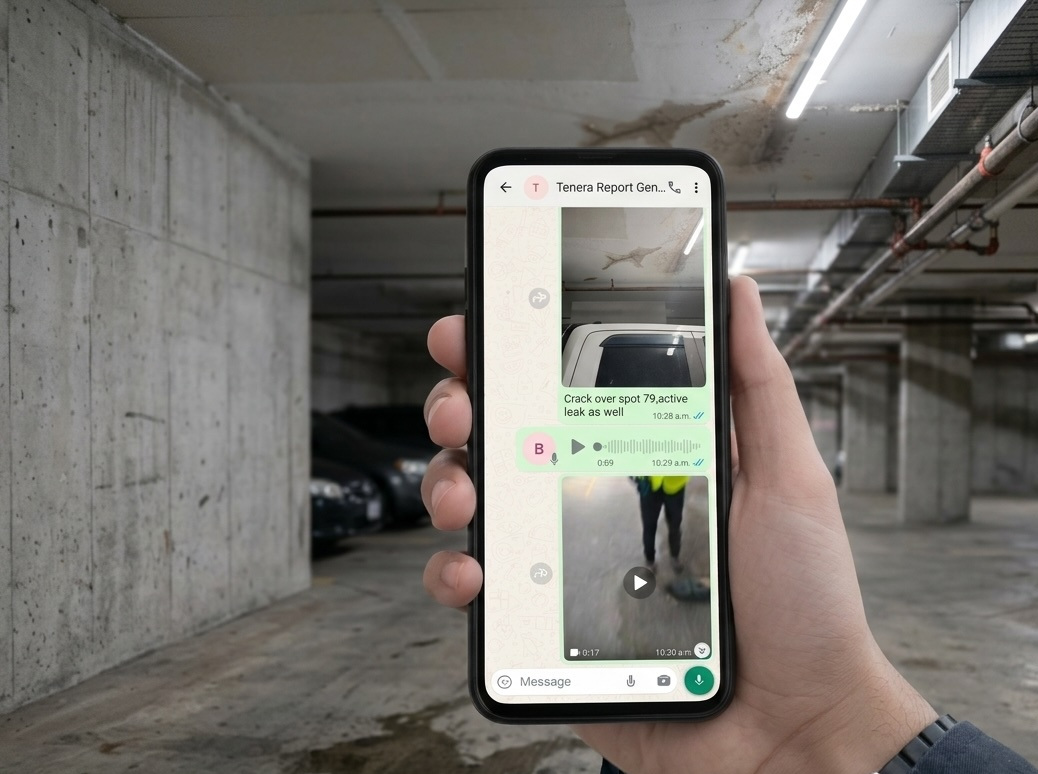
Upload
Send it all to Tenera — from the field or your desk.
Videos, images, and voice notes upload together. Tenera reads and understands every one, then generates your report. Pick a template to match your format, or skip it.

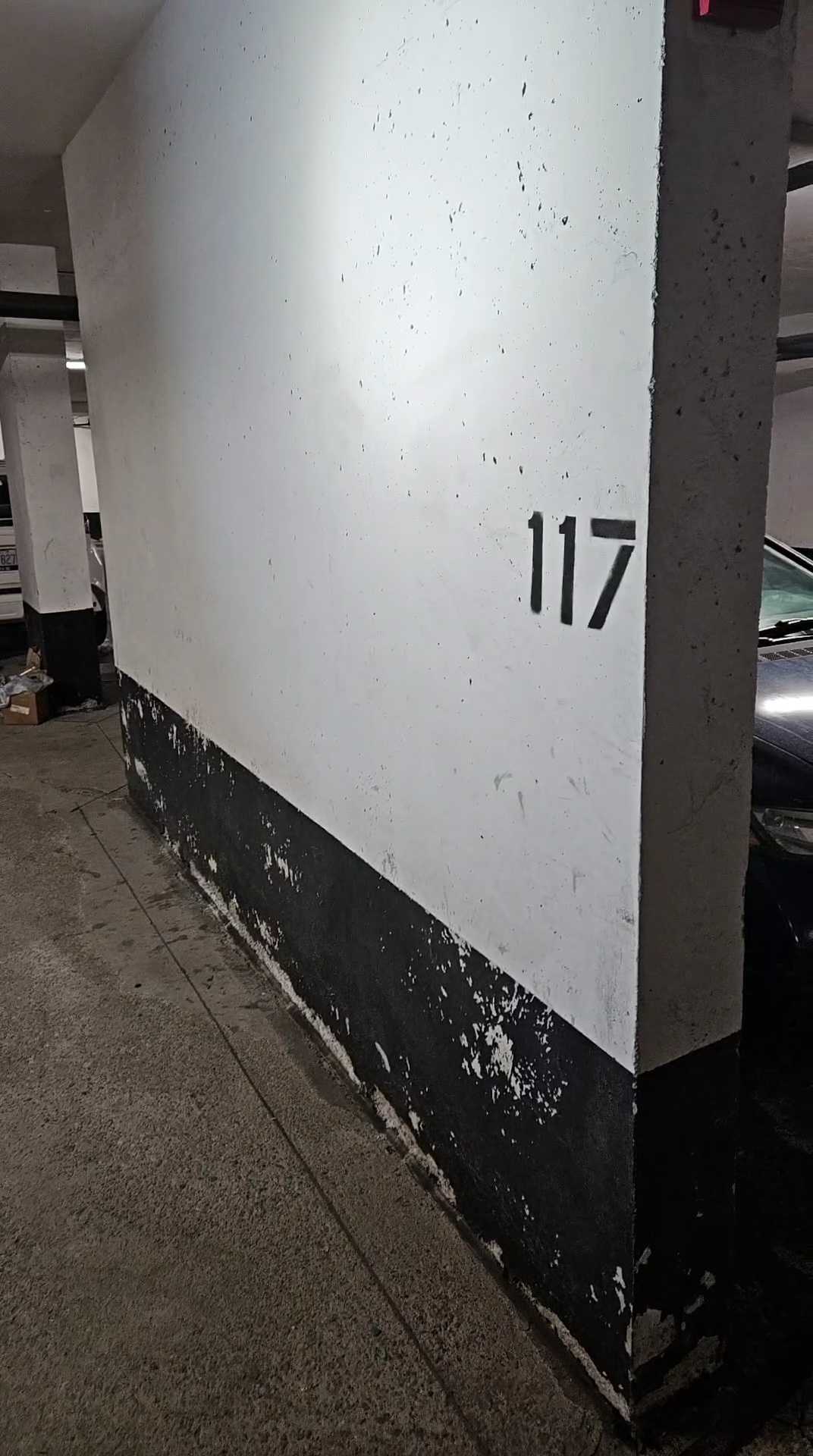
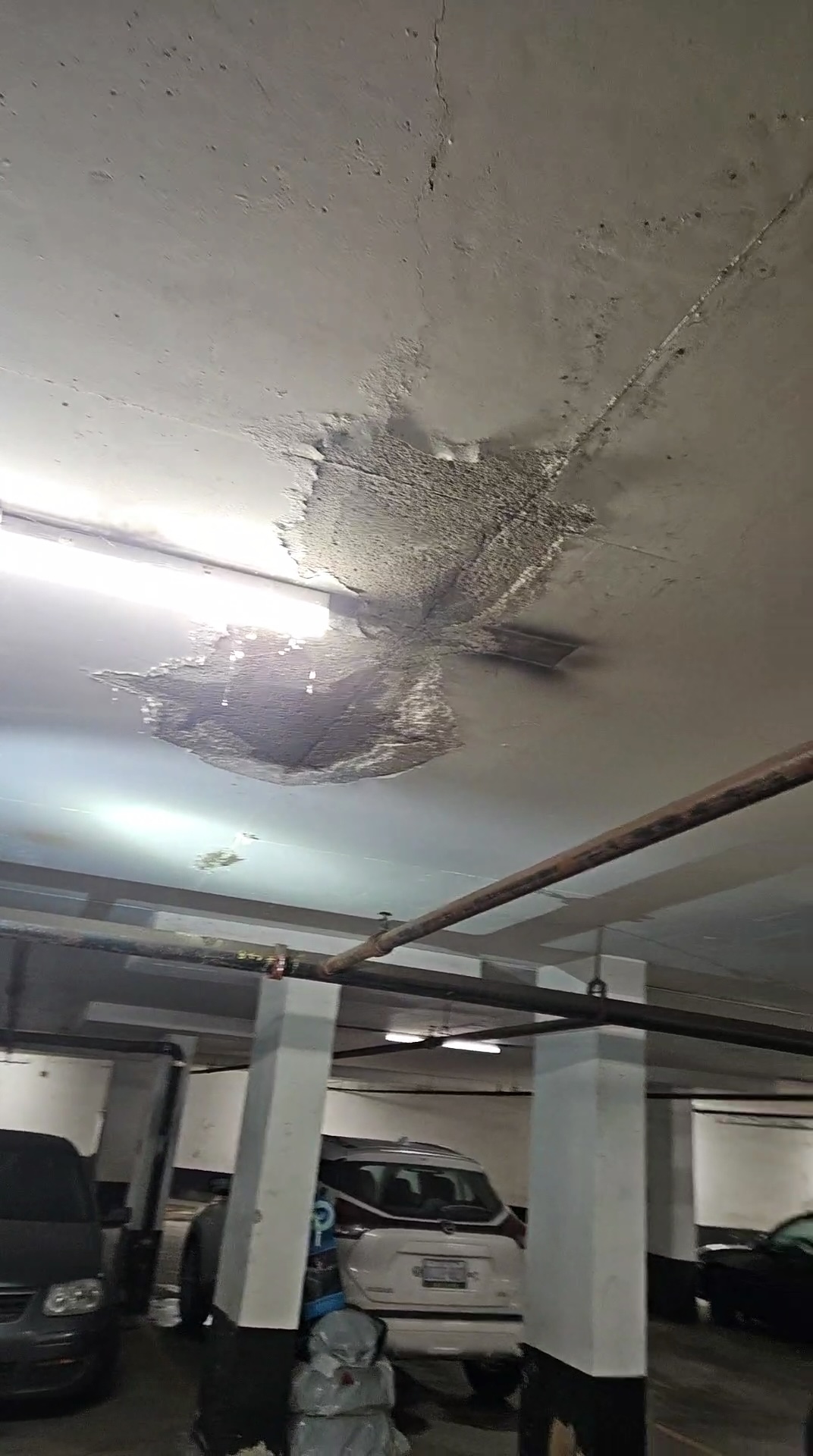
Drag them in, or send from your phone — no renaming, no folders.
AI writes & edits
Tenera writes the full draft — then you refine it.
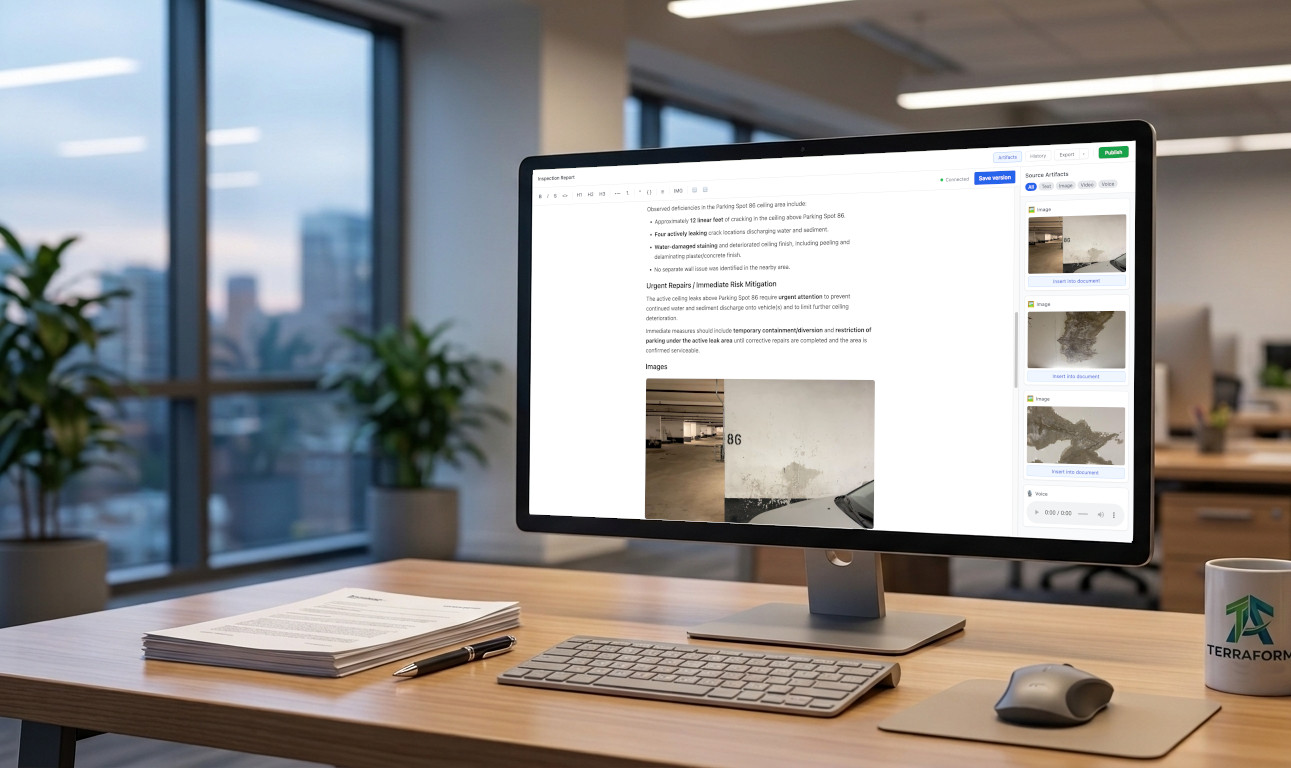
A complete, structured report appears, formatted to your template and written from your field data. Use the AI editor tools to summarize the findings, list issues, or add tables — or edit anything yourself, with your team alongside you.
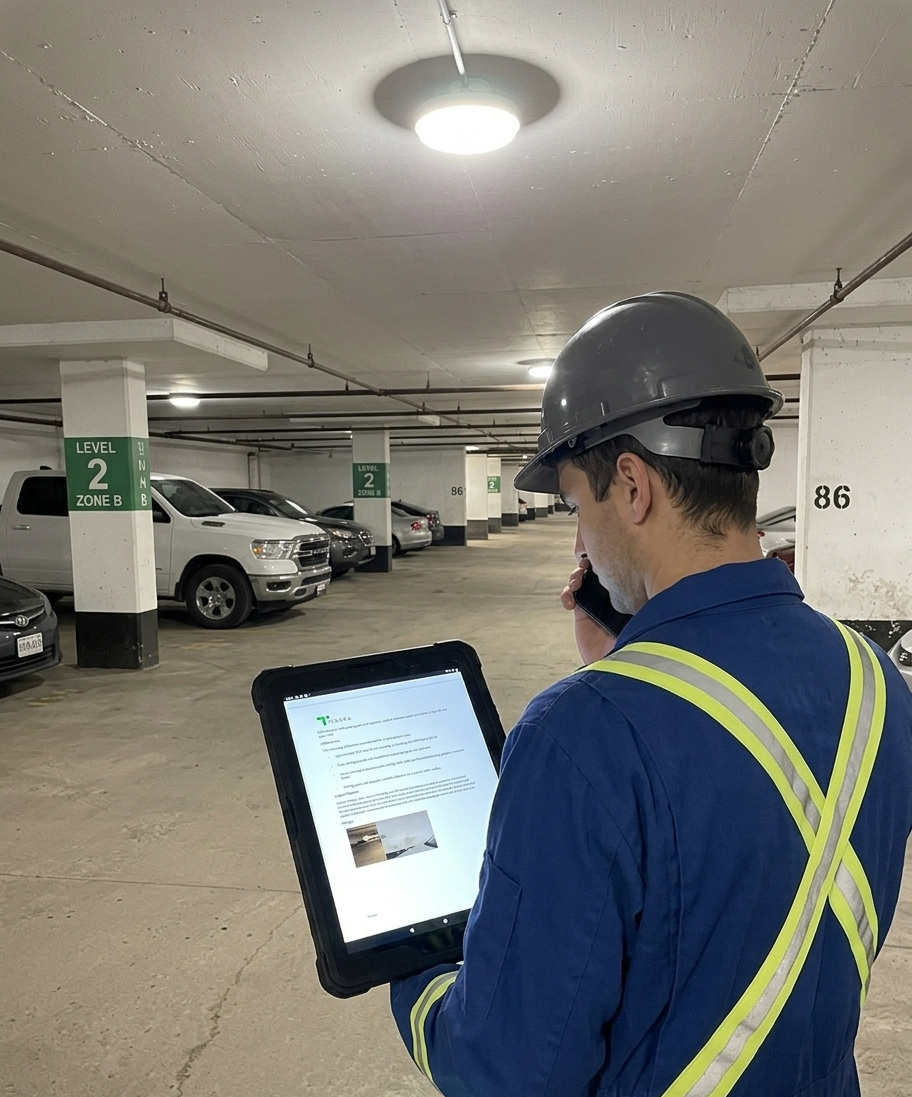
Send & publish
Share a link, no sign-in required — or export to Word or PDF.
Send the report as a live web link your client opens in one tap, with no account needed. Videos play right in the report — something a Word file can't do.
Ready to get out of the office and back to the field?
Start a report in minutes, or see it on a quick call — whichever you prefer.